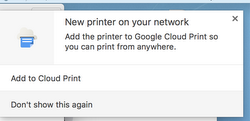
1. Go to the "Chrome" menu and choose "Preferences"
2. Scroll down to the section titles "Printing"
3. Click "Google Cloud Print"
4. Uncheck the box that says "show notifications when new printers are detected on the network"
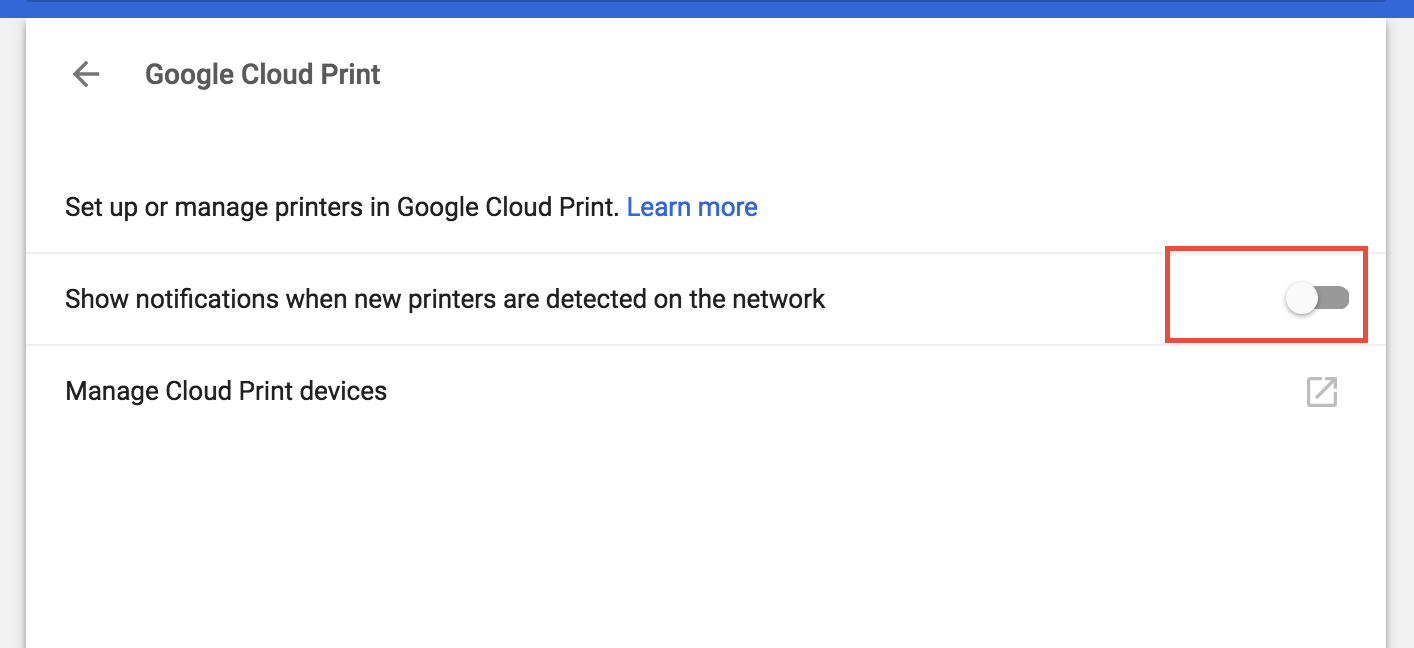

1. Go to the "Chrome" menu and choose "Preferences"
2. Scroll down to the section titles "Printing"
3. Click "Google Cloud Print"
4. Uncheck the box that says "show notifications when new printers are detected on the network"